

From Koha
Bring your library from Koha
Koha exports the whole catalogue, with every item, in a MARC file. Ayvurenda reads it as it is: the items in 952, with their barcode, call number and location.
Then, this is your library
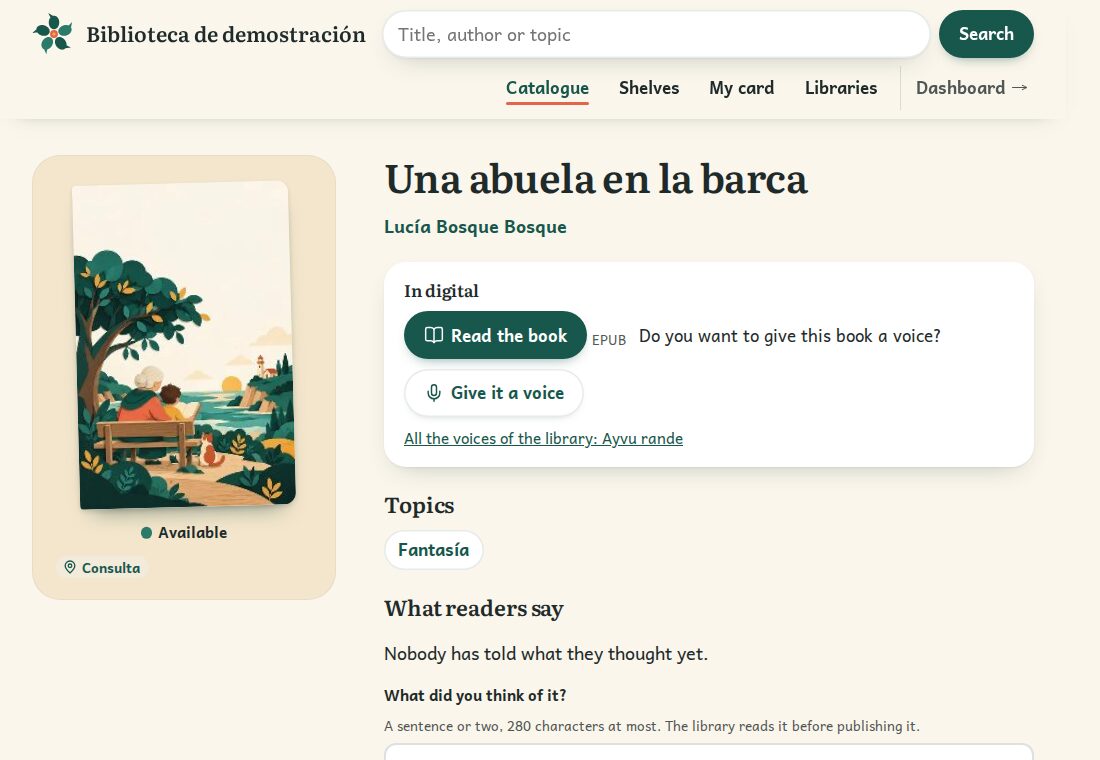
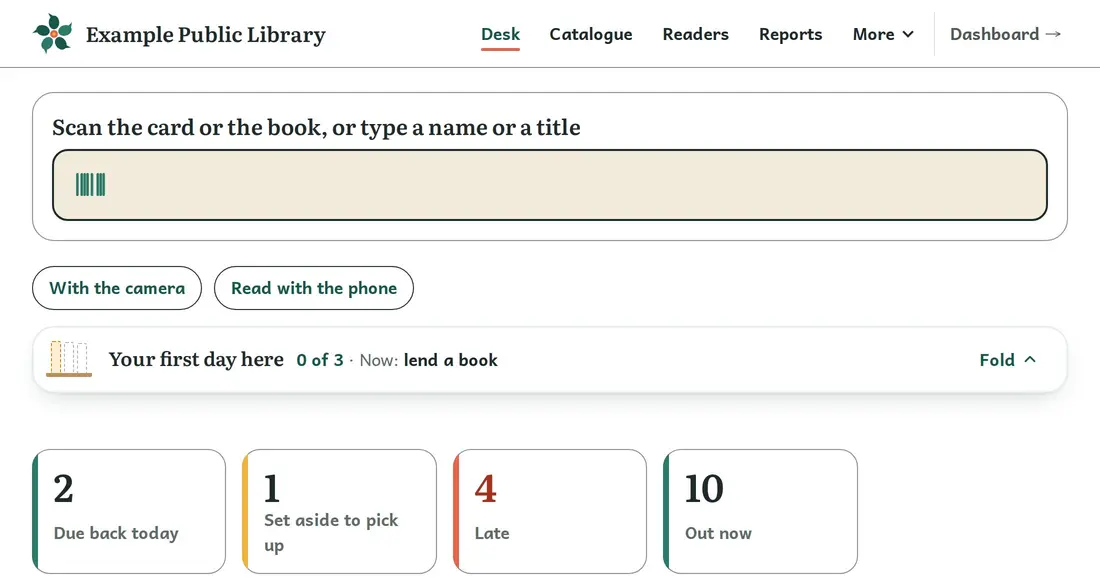
Not just lending: every reader has a card, every book its cover and every class its island.
Reading together
- One challenge for the whole group
- A class or a club meets its challenge together, without naming anyone, and its island grows.
- Reviews with a sentence, a drawing or their voice
- Whoever took a book says what they thought; older readers recommend books to younger ones.
- Give a book a voice
- Readers, teachers and families record their reading; children's voices only with their family's permission.


For one school or a whole network
One library on its own or all of an administration's, with the same service and each in its own space.
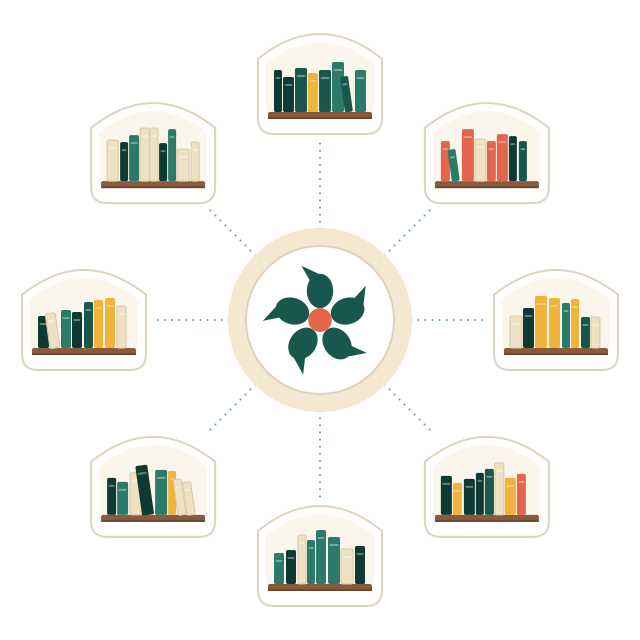
- Several libraries, one serviceA town's, a university's or a network of schools'. The price depends on how many and how big: we work it out for you.
- Each library, apartThe staff of one see nothing of another, by any route.
- Nobody competesNo rankings or comparisons: what is shown of a group is added up and nameless.
- Always yoursEvery night, a full copy in open formats: CSV, MARC21, Dublin Core and RIS.
- In the European Union, with a contractServers in an EU data centre and a published data processing agreement.
- For everyone, offline tooDesigned against WCAG 2.2, level AA, and with the desk open, lending goes on without a connection.
Step by step
In Koha
- Open the exportIn Koha, More › Cataloging › Export › Export catalog data. You need the permission to export the catalogue.
- Keep the items inThey are exported by default: do not tick «Don't export items». To include records without items too, such as e-resources, clear all the libraries with «Clear all».
- Choose MARC or MARCXMLBoth work. Press «Export» and save the file.
In Ayvurenda
- Upload it and see what it bringsIn Ayvurenda, «Import a catalogue»: you see your books on their shelf and how many records and items there are before importing anything.
- Import itWhat is already there is not duplicated, so you can repeat it just before switching to bring the latest.
Readers and loans
Koha has no on-screen export of patrons or loans: they come out with an SQL report in «Reports», which whoever runs it can make. Readers come into Ayvurenda from a list, from OneRoster or from your school's platform. Current loans are best returned before switching, or sent to us with the rest.
If you prefer, we do it with you
Send us the file or the copy from Koha and we load it for free; then you stay on the free plan or a paid one. We check with you that everything is there.
Your mail does not open? Write to contacto@oksigenia.com.
Questions
Do the barcodes come too?
Yes: each item comes in with the barcode it had in Koha, so the labels already stuck still work.
What if my Koha is in UNIMARC?
That works too: the items in 995 are read the same way.
Can I keep using Koha meanwhile?
Yes. Import whenever you like, try it calmly and import again just before switching.
How much does bringing it cost?
Nothing. Uploading it yourself is free, and if you send us the file or the copy we load it for free too. Then you stay on the free plan, for small libraries, or on the one that fits the size of yours.
Does it work for every school in a network?
Yes. Several libraries can share one service, each apart: the staff of one see nothing of another. For more than 25,000 copies or a network, the price is worked out case by case, by how many libraries there are and their size.
Koha is a trademark of its owners; Ayvurenda has no relation with Koha. Bring your library, wherever it comes from.