



Free
€0 forever
Just the library, hosted on ayvurenda.com: up to 1,000 copies and 150 readers. Desk, catalogue, cards and open door at yourlibrary.ayvurenda.com, with «Made with Ayvurenda» at the foot.
Ask for it





Online library management
Loans in one scan, a catalogue that understands both the beginning reader and the researcher, and a library that grows with every book read.
For any library: a town's, a university's, a school's, a foundation's, a company's or a bookmobile.
A whole library with sample data, on campus.oksigenia.com: the screens in English, the books in Spanish. No sign-up: whatever you do is erased every night.
The conversation with the reader comes first; the screen helps. Scan the card and the book with a barcode reader, the computer's camera or a phone, and the loan is done. Returning is scanning the book. One tap says what they thought of it, and if something goes wrong, it is undone.

Big covers, the corner where each book lives and a green dot when it is available. The search forgives accents and typos, and when it finds nothing, it suggests. The youngest can listen to the screens; researchers take each record's citation to Zotero or Mendeley.
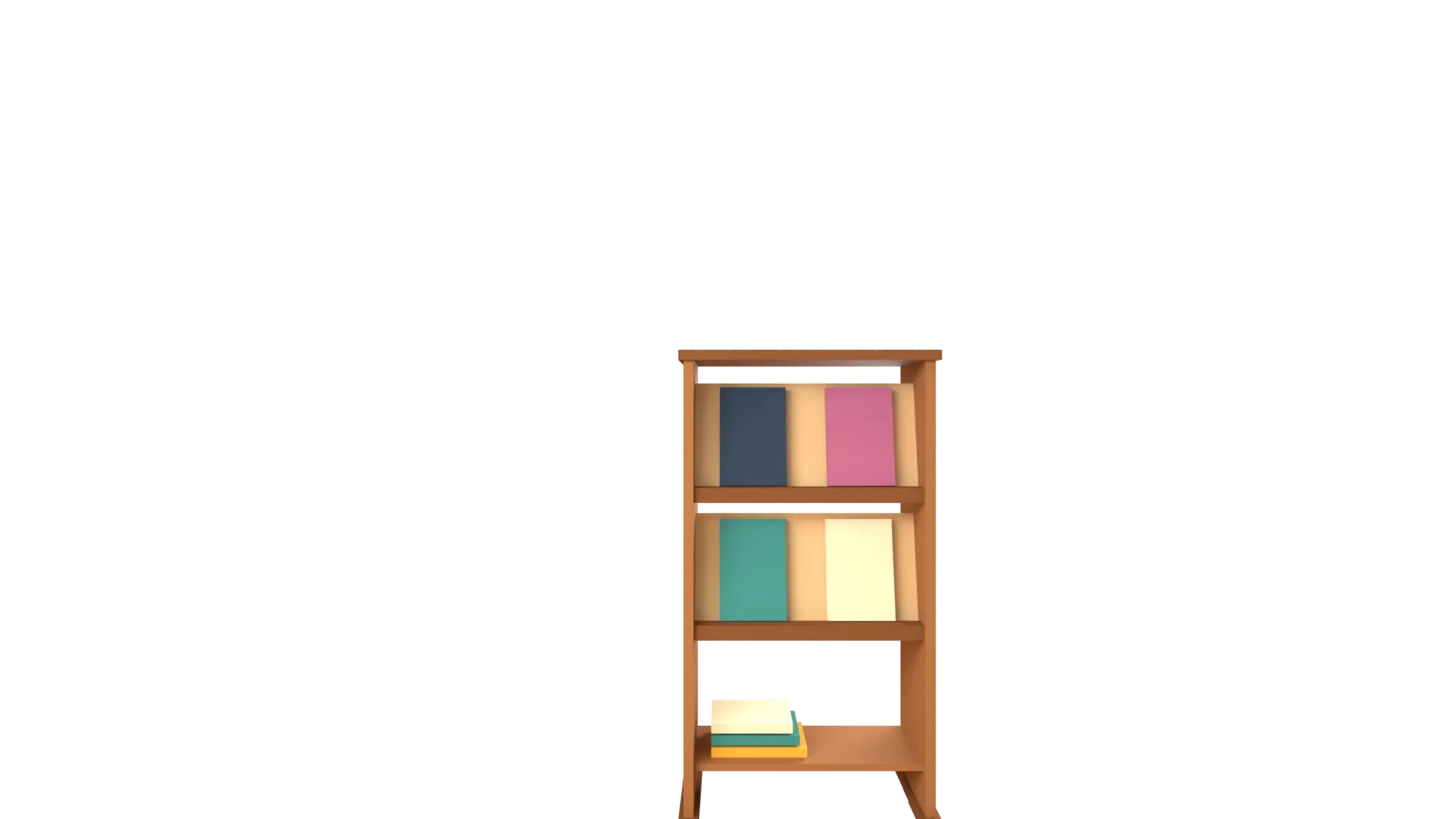
Books are shared out into corners by subject, each with its own drawing. Every library names and orders them, and hides the ones it does not use.






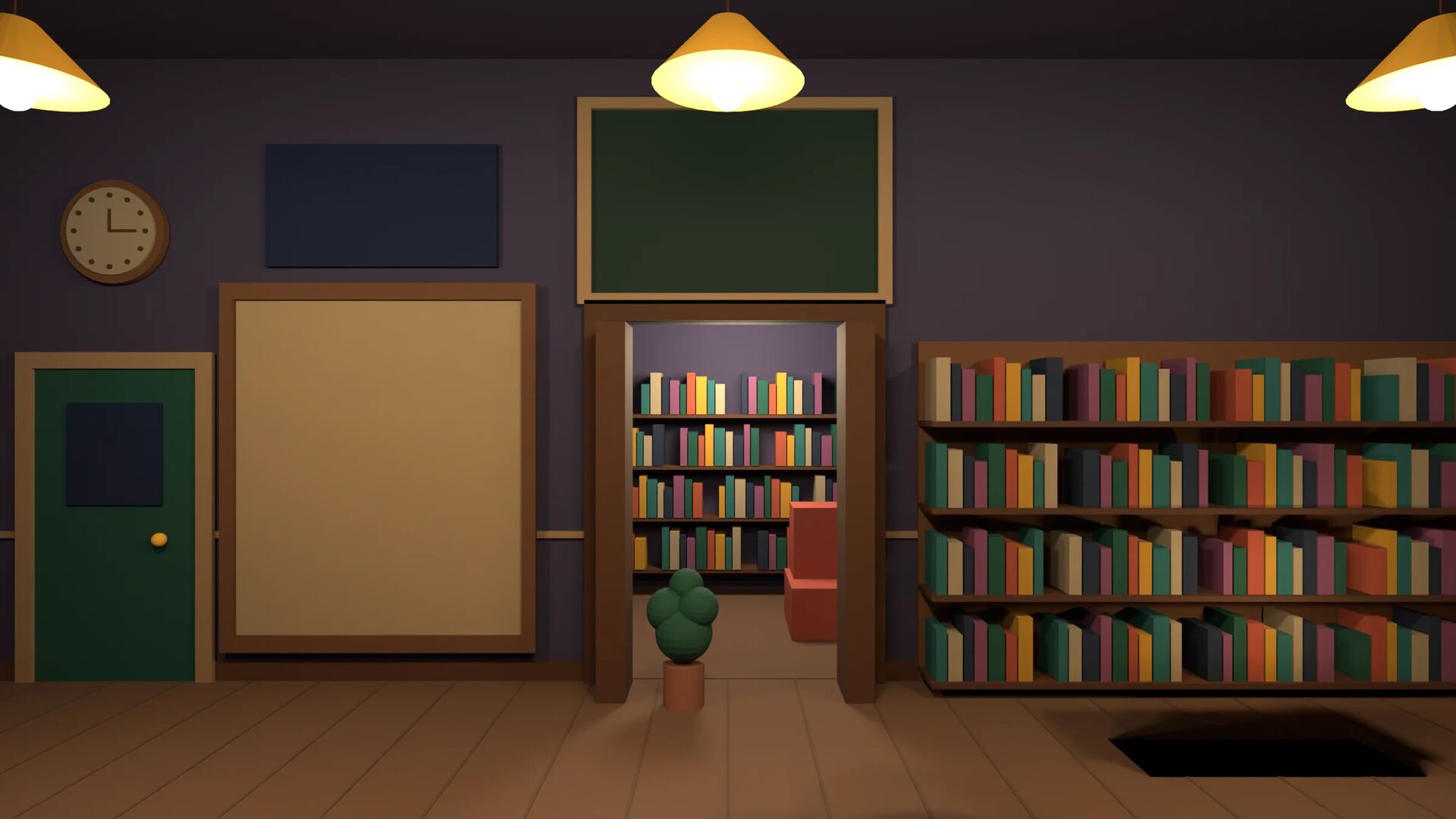
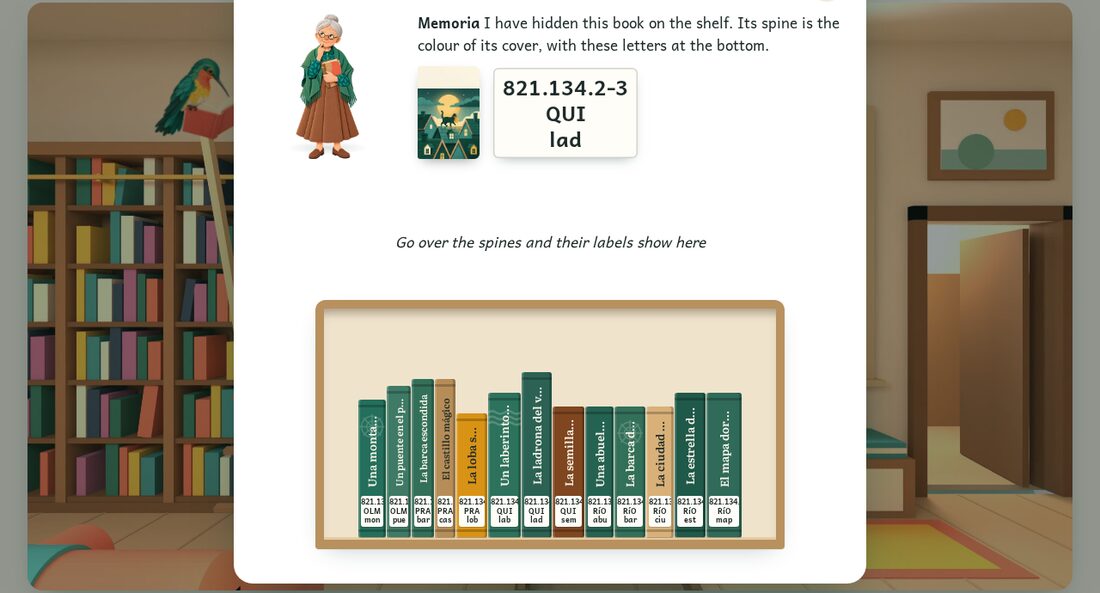
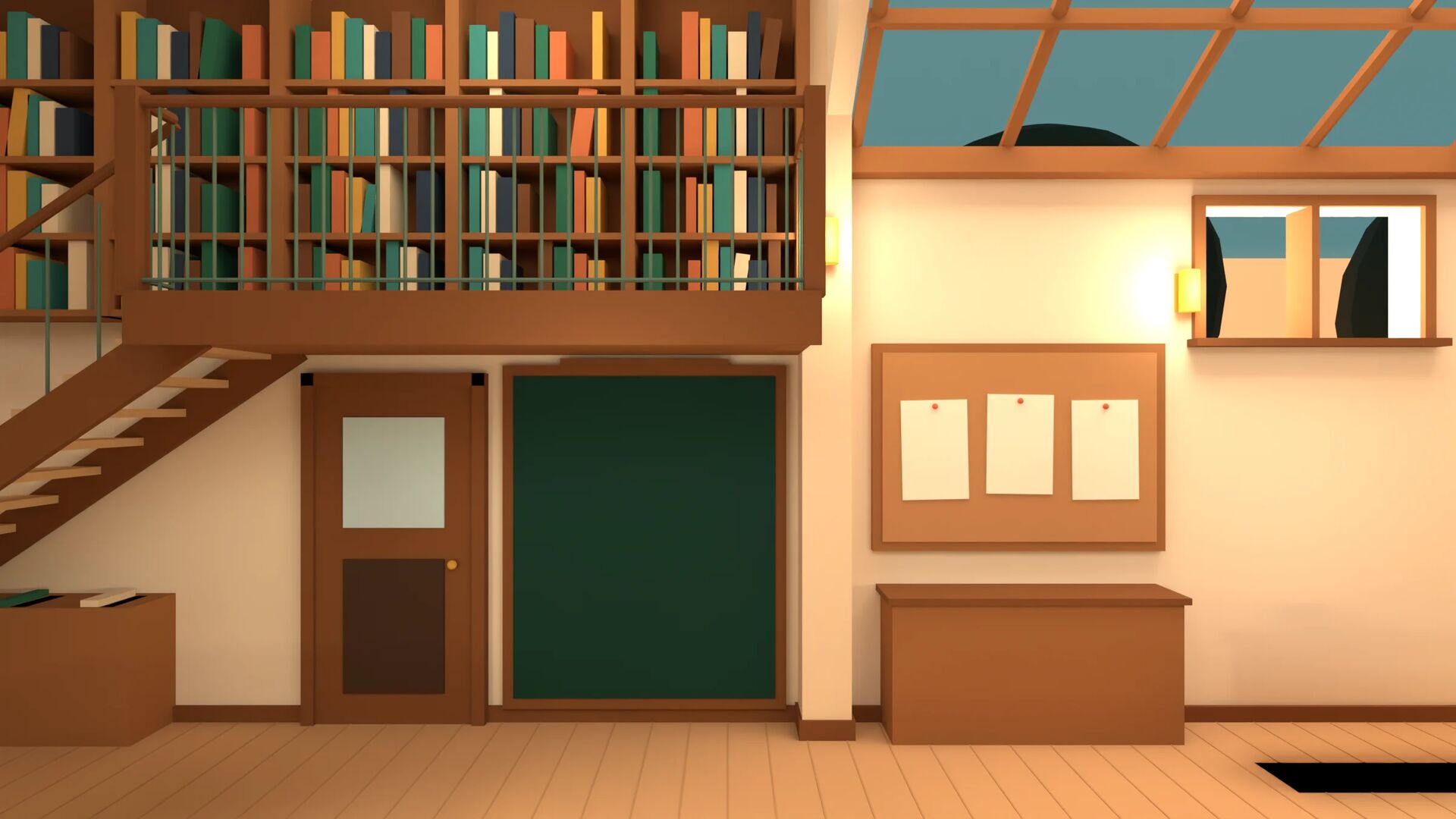
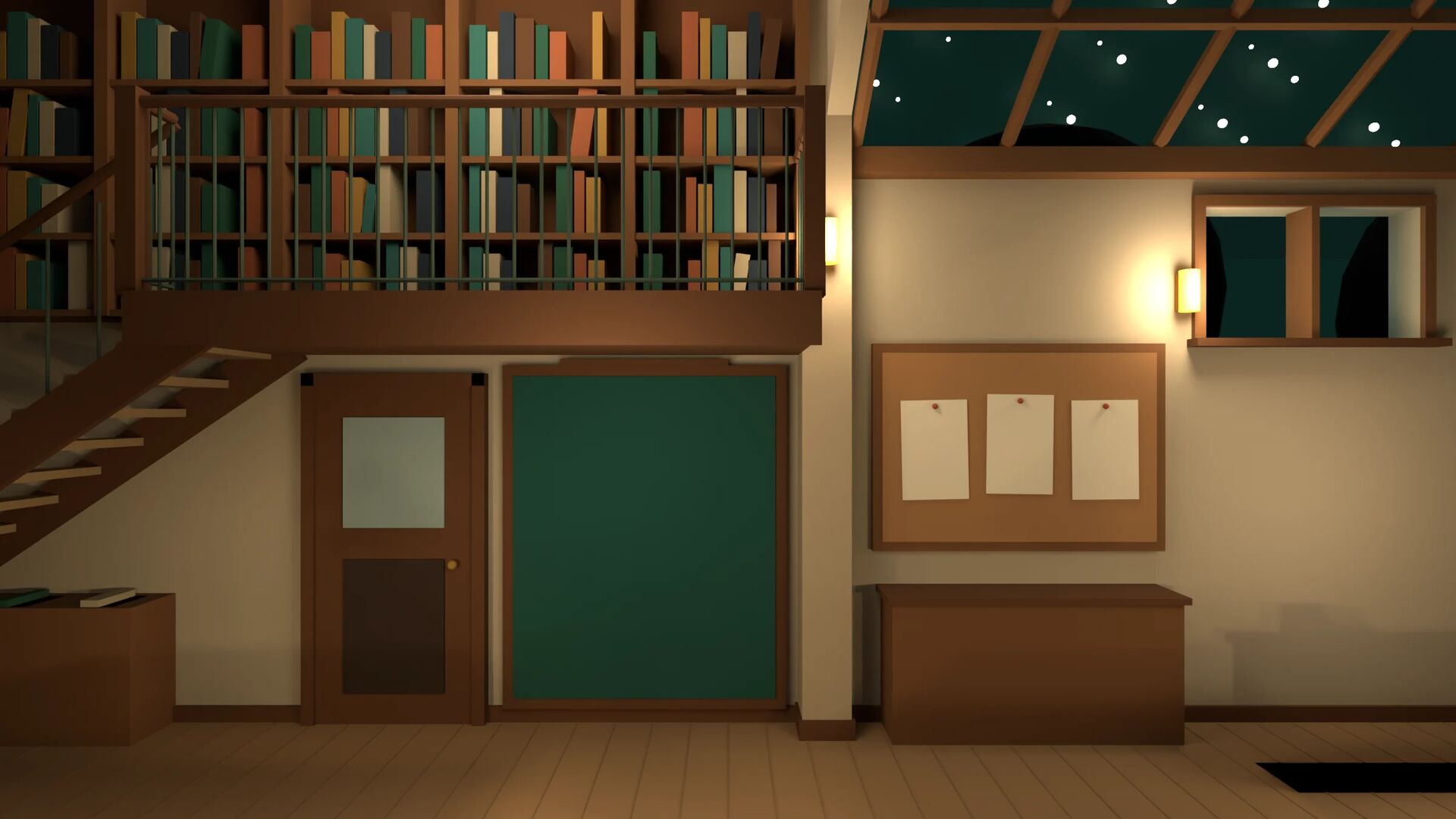
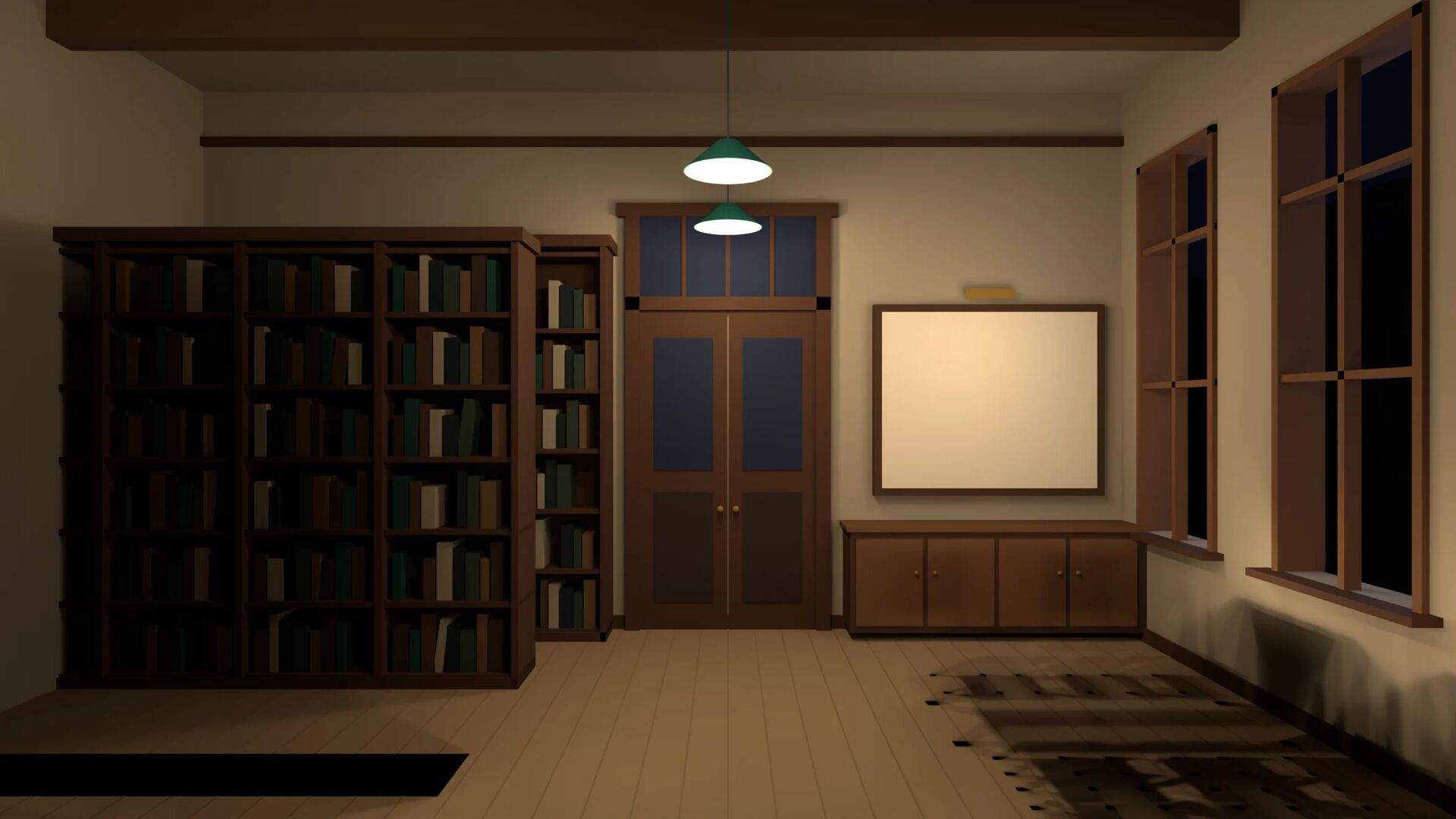
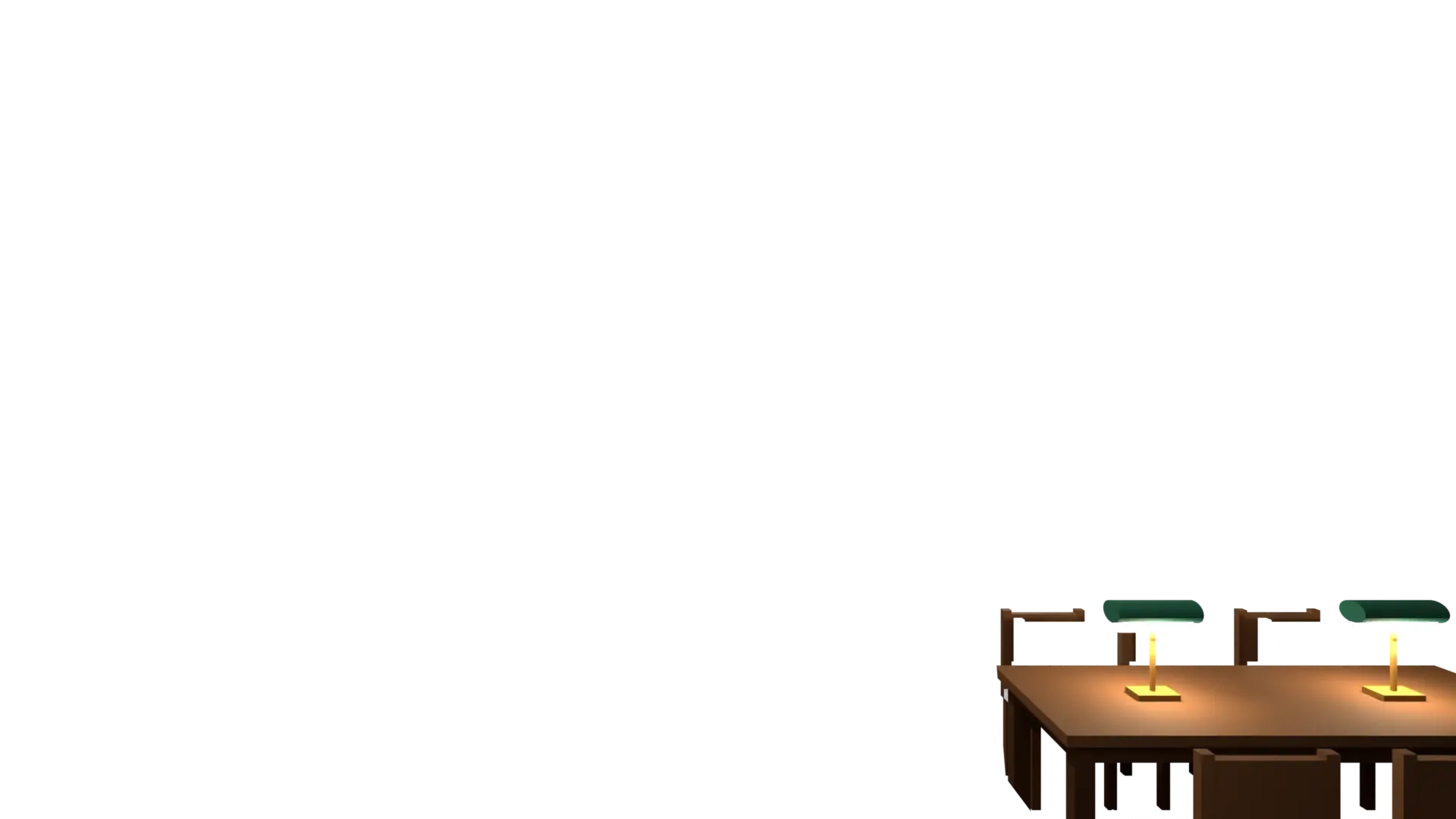
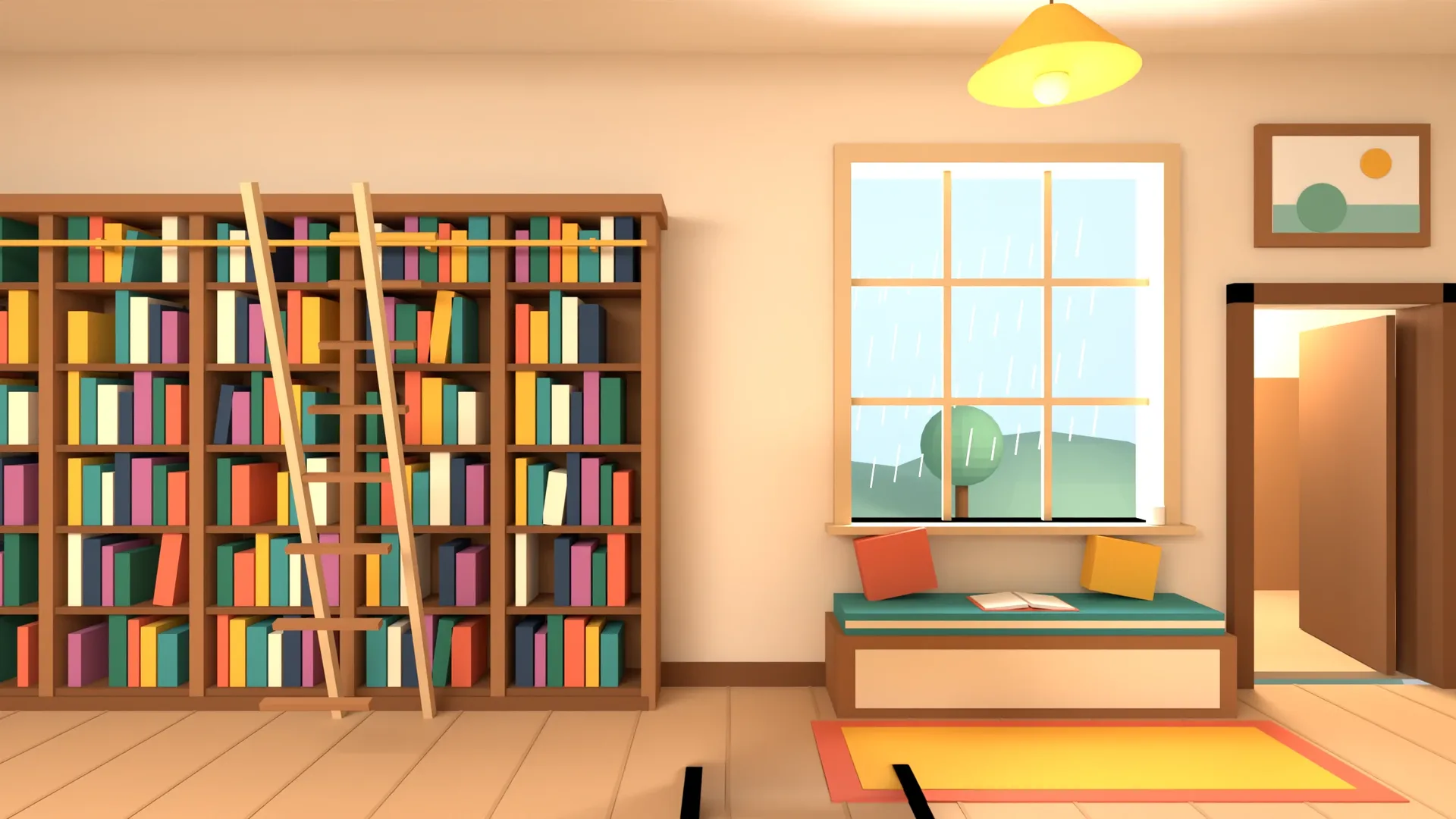
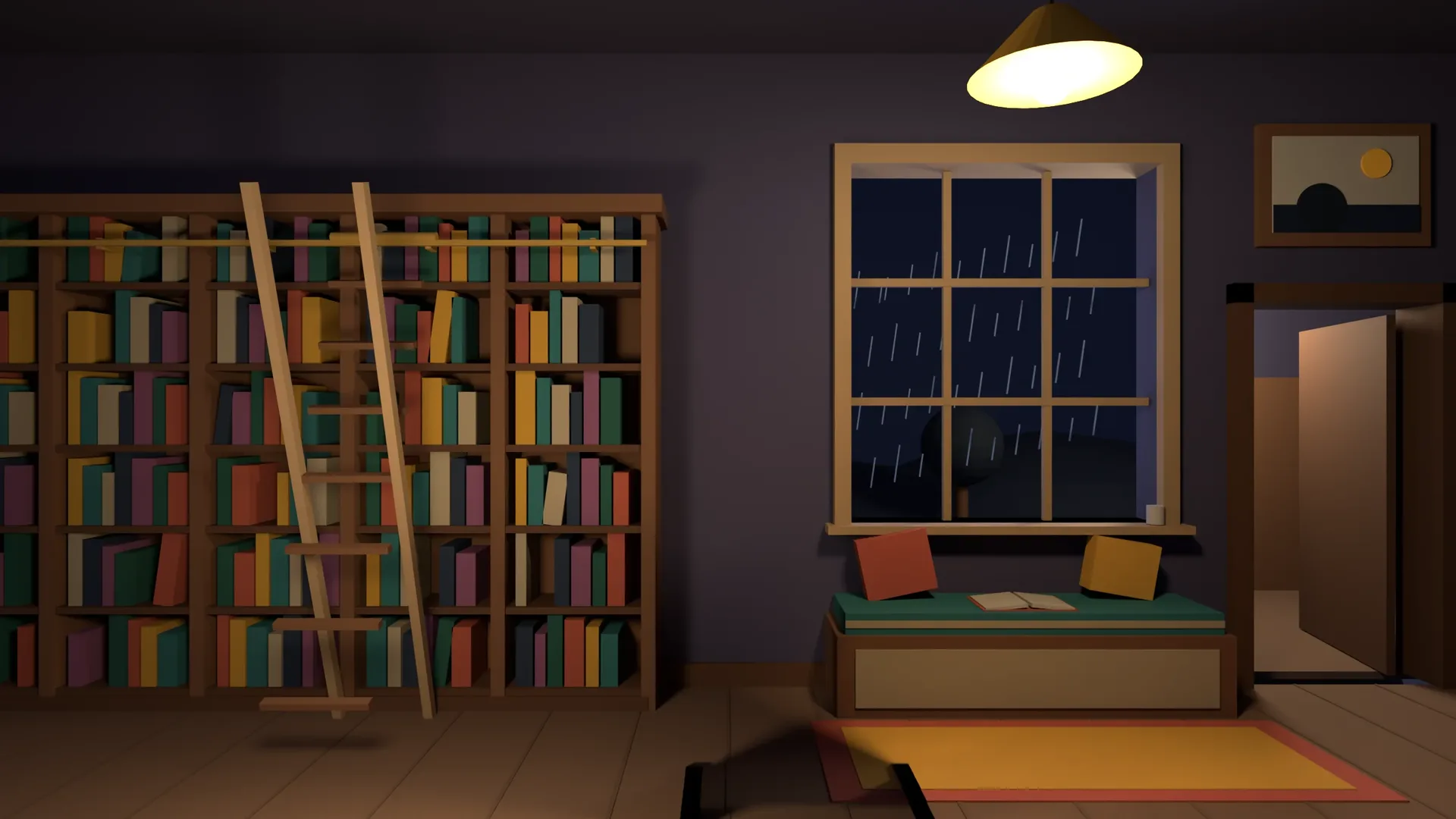
You walk through the rooms like a real place, by day and by night, with their sounds. In each one, Memoria hides a book for you to find by its spine label; in the hall, the herald brings the new books so each can go to its corner.
 Sample data
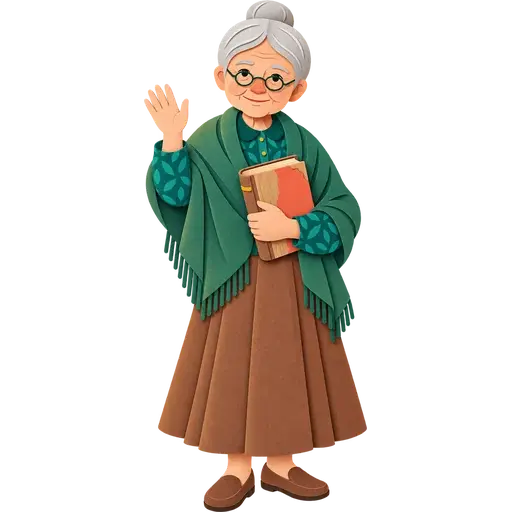
MemoriaShe remembers where every book is, what you liked and what you were looking for, and suggests one every day.
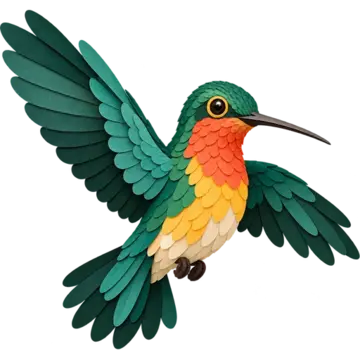
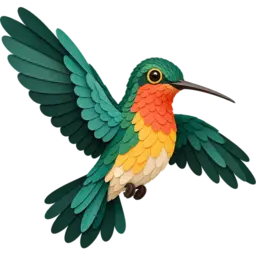
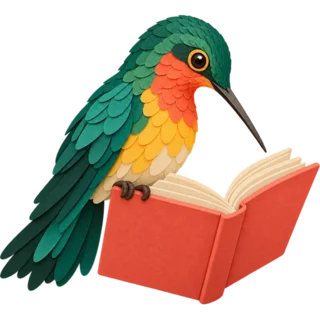
Mainumby, the hummingbird heraldHe brings the new books and the book of the week, and has a word for you when you return one.
Each library gives them its own names, or brings its own characters.
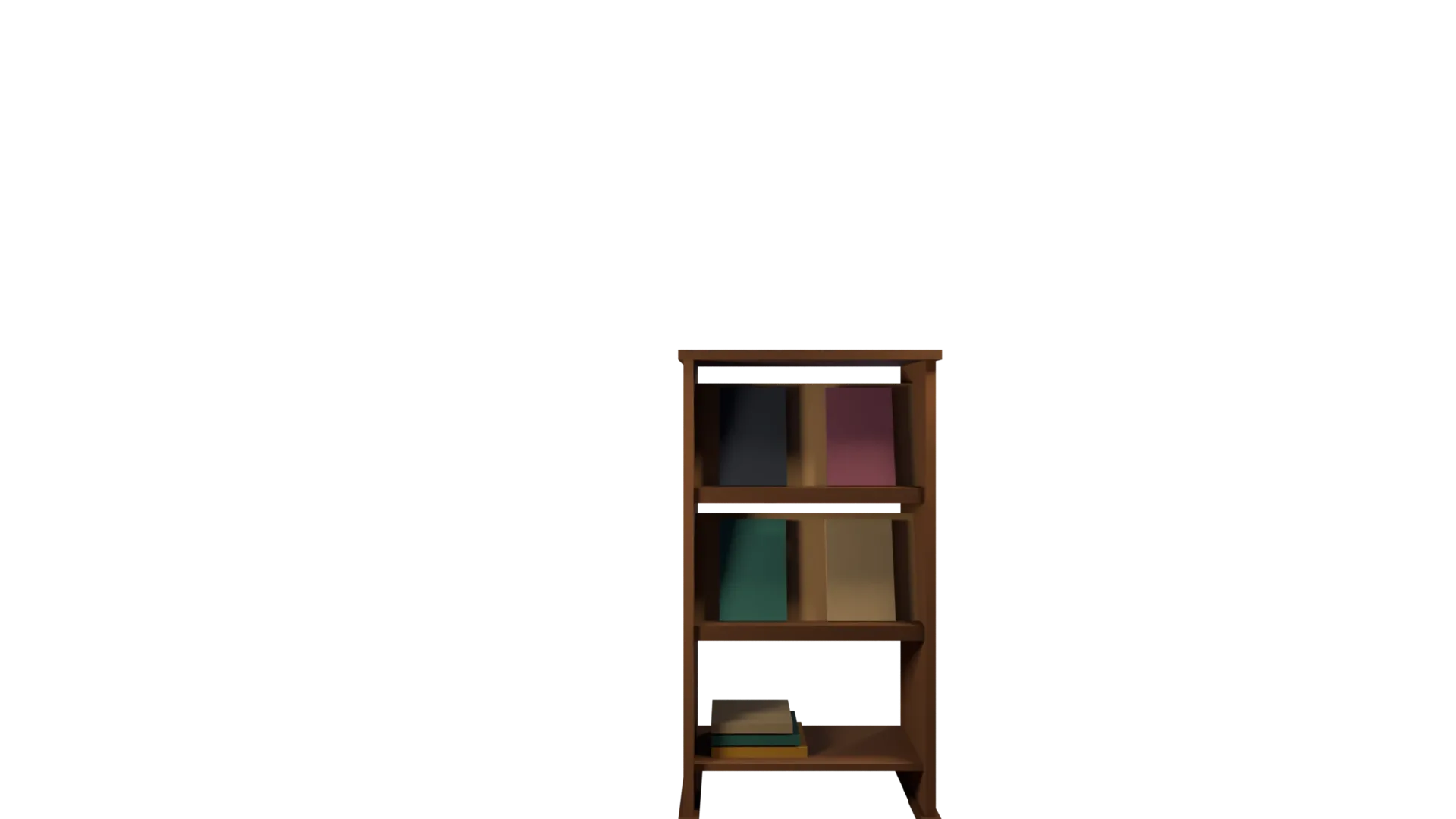
Step into the visitEvery book in its place, in the order of its spine label; a book on loan leaves its gap.
Tap a spine: it tells you what it is and why it is there.
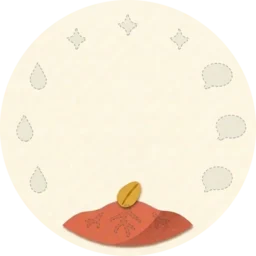
Up to 12

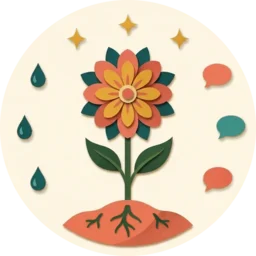
From 12
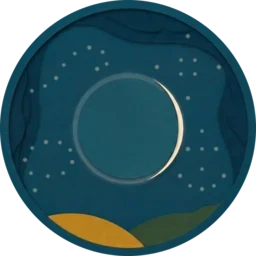
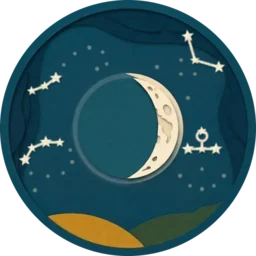
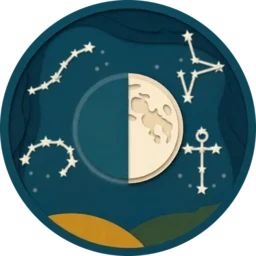

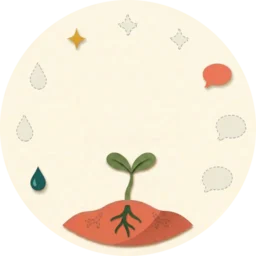
For the youngest, a flower that grows along four paths. From 12, a sky that fills with constellations; and for those who prefer it, the classic card. At the end of the year, it all goes into their album.
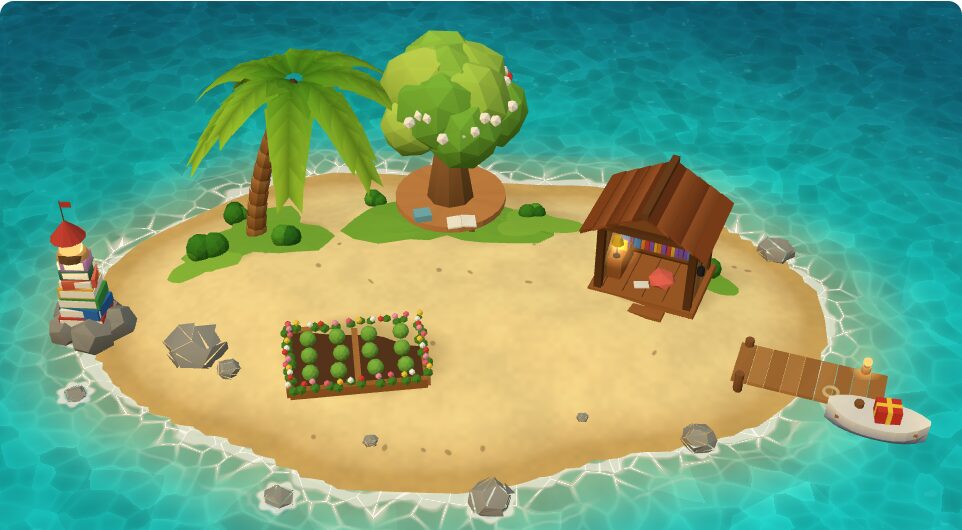 Sample data
Each library chooses its look: public, university, secondary or primary school. With it the characters, the visit, the tone and the games change, and each one switches on or off whatever it likes. And every reader carries the card of their age.

You bring it in yourself from the screen, at no cost; if you prefer, we do it with you. How it is done, step by step.
Every night, a full copy in open formats (CSV, MARC21, Dublin Core and RIS). If you like, encrypted with a key only you hold and stored in your Nextcloud or NAS.
If you ever leave, you take everything with you.
The library, hosted by us and ready to use. If you already have Moodle™, it can also live inside it, free and open source; and if you also want a course platform, we set one up for you.
€0 forever
Just the library, hosted on ayvurenda.com: up to 1,000 copies and 150 readers. Desk, catalogue, cards and open door at yourlibrary.ayvurenda.com, with «Made with Ayvurenda» at the foot.
Ask for it€199 a year
Just the library, hosted on ayvurenda.com, with no limits: your own domain, LTI with your platform, the student information system connectors, a daily copy kept off site, notices and voices.
Get started€0 no limits
A free, open-source plugin (GPL v3) for Moodle 4.5 onwards and the Moodle app. With LTI 1.3 it also works in other platforms.
See the codefrom €179 a month
A whole Moodle platform for your courses, on a server just for you and managed by Oksigenia, with the library inside: updates, backups and support.
See the hostingPrices exclude taxes. IGIC (7%) is added only in the Canary Islands.
Going over a limit deletes nothing: the library keeps working and only stops taking new books. Would you rather we brought your library in for you? The assisted import costs €49 to €199 depending on size, and it is free if you take the yearly plan within 30 days.
No. Ayvurenda works on its own, on ayvurenda.com, with nothing to install. If you already use Moodle, it can also live inside it, as a free, open-source plugin.
Yes, without signing up: walk into the demo library as a reader, at the desk or without an account. The data is sample data and everything is erased every night.
Yes: from any system that exports MARC21 or a spreadsheet, with its records and copies. You do it yourself from the screen, or we do it with you.
You take the full daily copy, in open formats any library system can read, and we delete them.
Yes. In the hosted library, whoever takes it is the data controller and Oksigenia SL its processor, with its agreement, as the GDPR requires. The servers are in the European Union.
Yes: any scanner that types like a keyboard, and also the computer's camera or a phone. Labels and spine labels are printed from the library itself.
The desk keeps lending and returning: it stores everything in the browser and sends it by itself when the connection is back.
Yes: several libraries in the same institution (main, faculty, department), books moving from one to another, each course's reading list with its reserve, and a plain look for adults.
Yes, with its own public library look and on ayvurenda.com, without Moodle: readers of every age, each with the card of their age, no classes and no tutors, and an open door that shows the catalogue and the shelves to anyone.
Yes: a plain look, no games by default, each reader gets their own notices, and the catalogue is only shown outside if you want.
Yes: the desk keeps working with no signal, stores what happens and sends it by itself when the connection is back. Codes are read with a barcode scanner or a phone's camera.
It is designed against WCAG 2.2, level AA: keyboard, contrast, screen readers and «reduce motion». For the youngest, the guided help has a voice.
Yes: the shelves and the latest arrivals go into any website with a code you copy, and each record is shared with its cover.
We do, by email: we answer within 48 hours (72 in July and August). Every screen also has its «How do I…?» and guided help.
Ayvurenda is made by Oksigenia SL, in Tenerife. We answer within 48 hours.
Mail does not open? Write to contacto@oksigenia.com.