

A system that exports MARC21
As .mrc or MARCXML, with the copies in field 852 or in 952, the one Koha uses.
Comes in: the records and each copy, with its code, shelf mark, place, kind, date acquired and notes.
Step by step
Nobody should type in a catalogue built over years. Take it out of the system you use, upload it, see what it brings and import it. With nothing to install and nothing to pay for it.

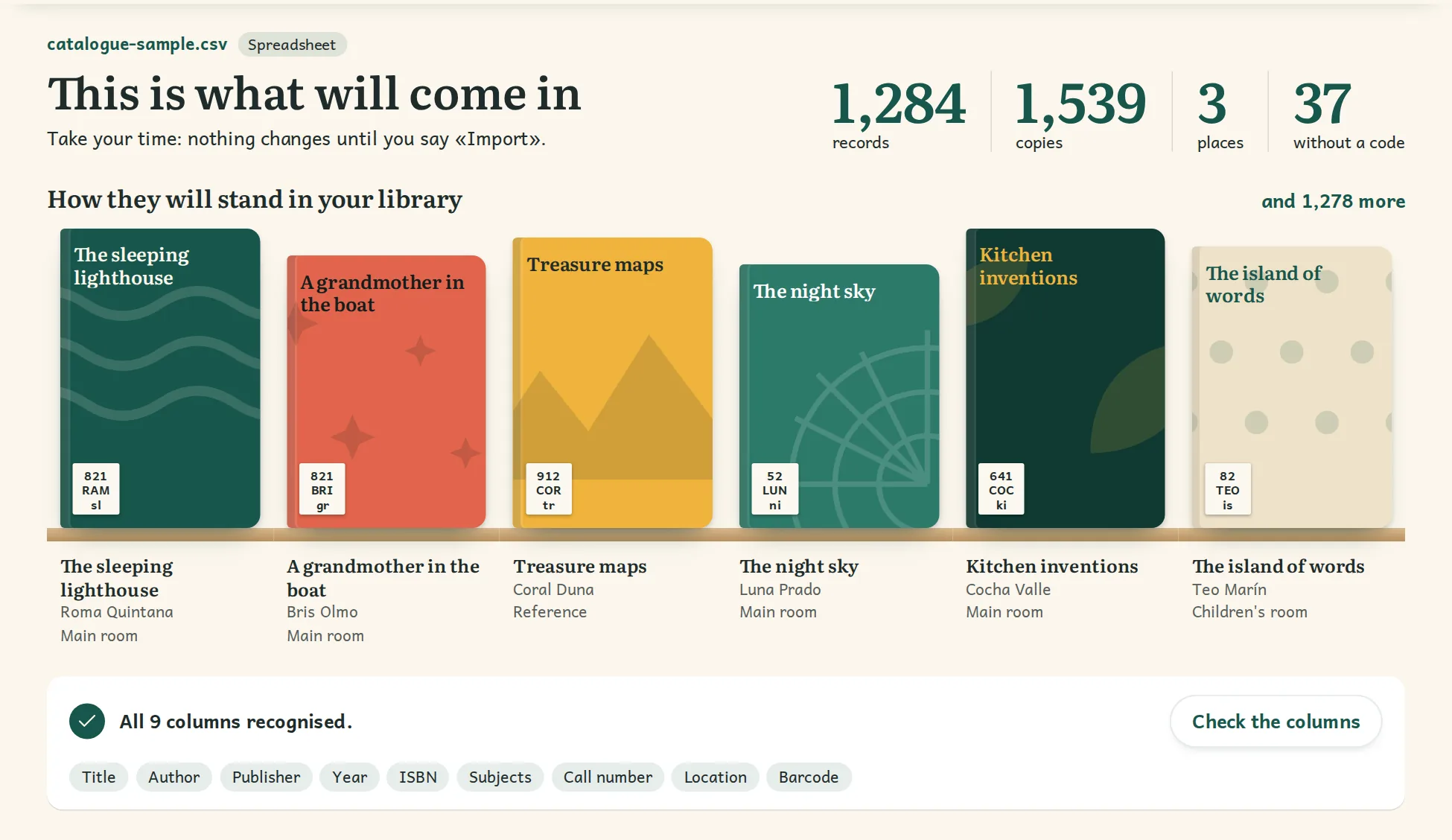
You need not come from any particular system, or from any system at all.
As .mrc or MARCXML, with the copies in field 852 or in 952, the one Koha uses.
Comes in: the records and each copy, with its code, shelf mark, place, kind, date acquired and notes.
Excel, LibreOffice or whichever you use, saved as CSV: one row per copy, or per title with how many it has. Rows with the same title, author and ISBN become one record.
Comes in: whatever your columns hold, and a new code for copies that have none.
If you have nothing to export, scan the ISBN with a barcode reader or the camera: the record comes from public catalogues such as the Library of Congress or Open Library.
Comes in: the record and the cover, in batches, book by book.
Each with their group, if they have one. If they already have an account they are matched to it; you decide on the doubtful ones, and duplicates are joined into one.
The assisted import costs €49 to €199 depending on size, excluding taxes, and it is free if you take the yearly plan within 30 days. We bring it in with you and check that everything is there.
Mail does not open? Write to contacto@oksigenia.com.
If it exports MARC21 or a spreadsheet, yes. If you are not sure, write to us with its name and we will look.
They get a new one when imported, and labels are printed from the library itself, starting at the first free square on the sheet.
From MARC21 or a spreadsheet, the catalogue and the copies come in, not the loans: it is best to switch with few books out, or to note them at the desk.
Yes. Import whenever you like, try it calmly and import again just before switching: nothing is duplicated.
It comes with each record or in its column, and call numbers stay as they are. The corners take whatever names and order you like.
Yes: do a stocktake with a phone or a barcode reader, place by place: it keeps what it reads even if the connection drops and, at the end, tells you what is missing and what was elsewhere.